Gemline 5310 Mission Backpack
$30.00
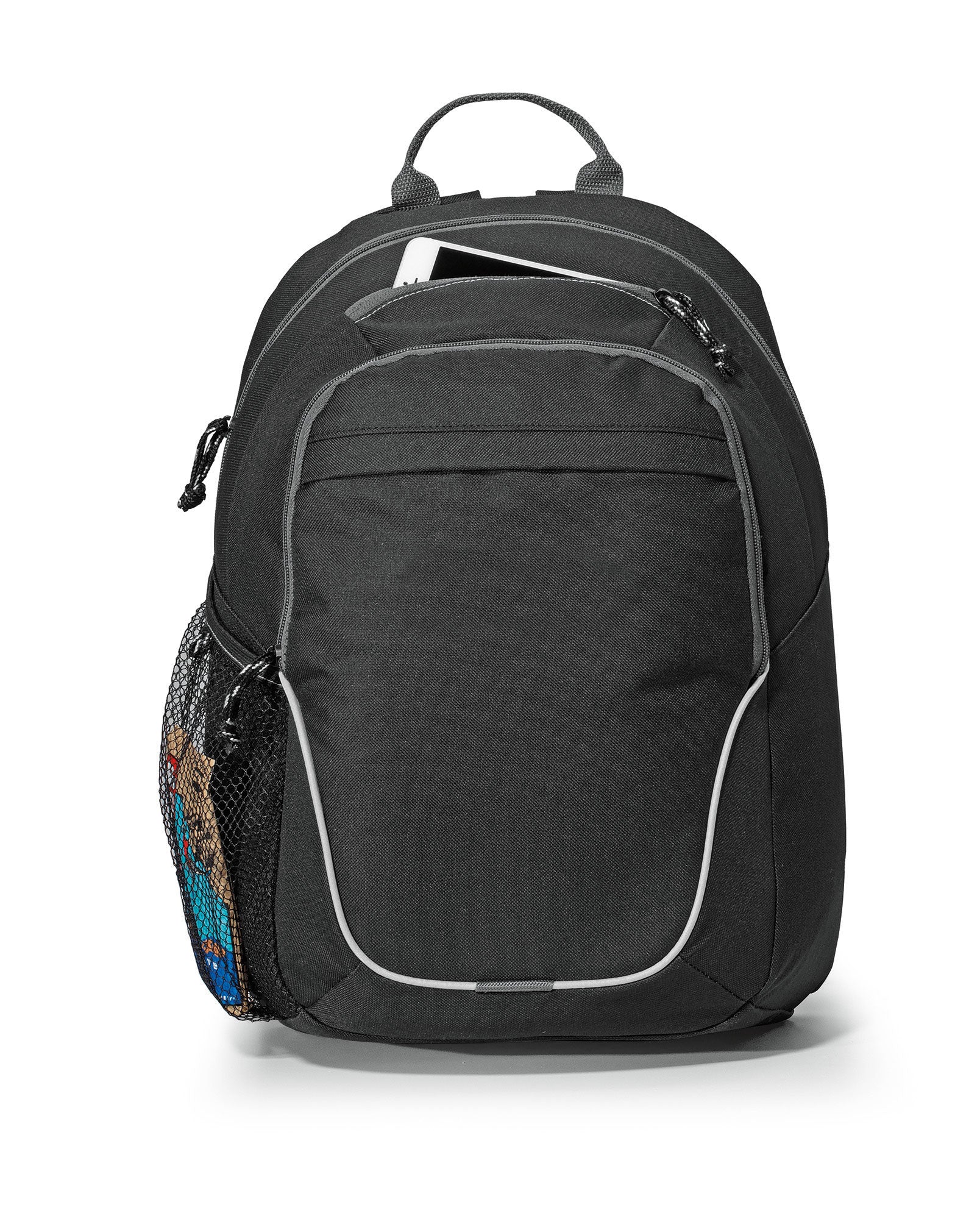
- Tablet pocket sized for up to a 10-inch tablet with a case
- Adjustable, padded backpack straps and top grab handle
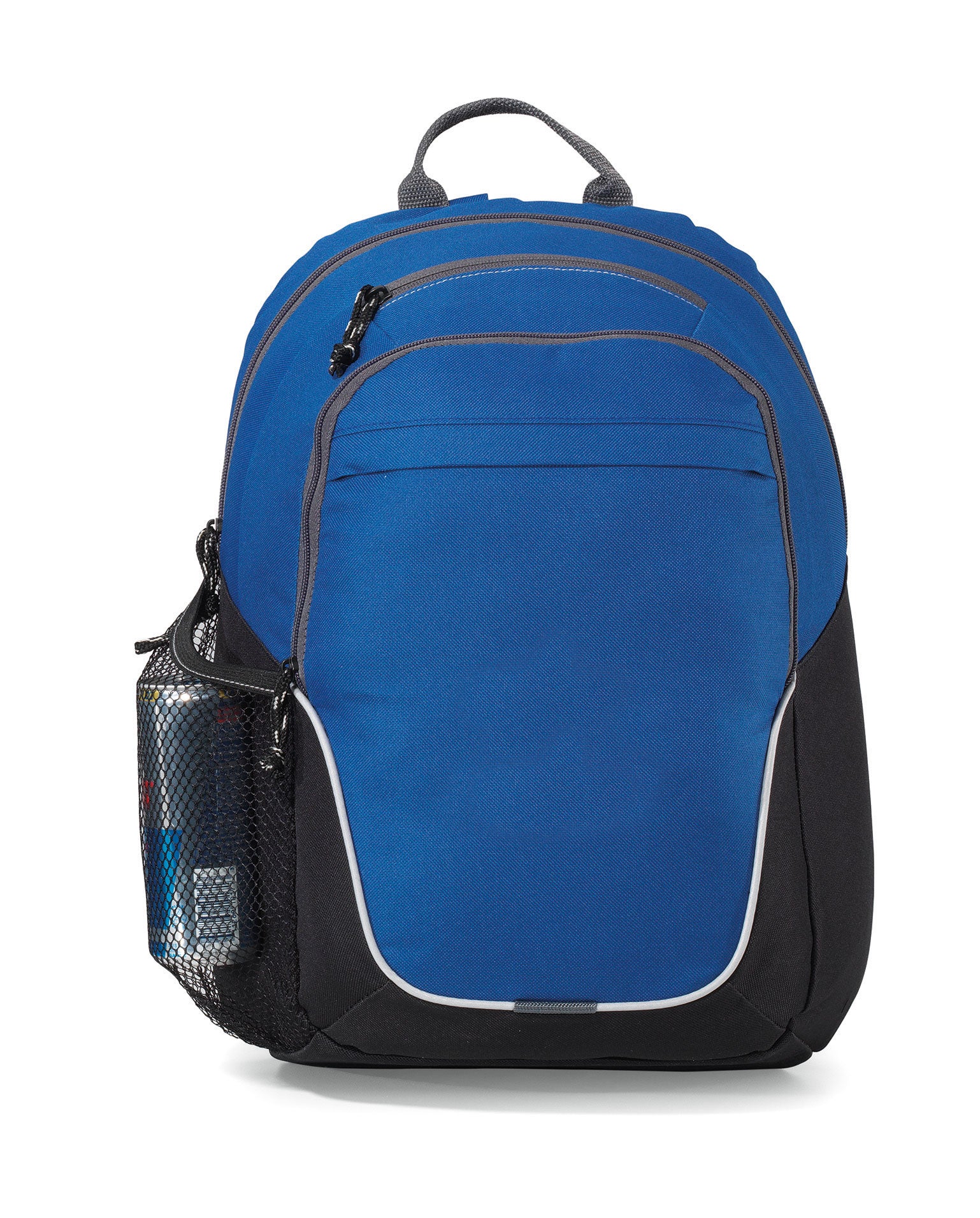
- Color: Black and Royal Blue
- Front zippered compartment with multi-function organizer and tablet pocket
- Front pocket with rain flap
Product details
Gemline 5310 Mission Backpack: Black and Royal Blue backpack with generous main compartment
The Gemline 5310 Mission Backpack is equipped for any mission, with a generous main compartment and a front zippered compartment that holds a multi-function organizer. A tablet pocket sized for up to a 10 inch device with a case sits in the front compartment, and a top zippered pocket suits a smartphone. It sits in our Gemline range next to the Gemline 5300 Canyon Backpack, and you can browse more styles in the Gemline Backpacks collection or the full Gemline collection.
Key Product Specifications
Brand: Gemline
Style Number: 5310
Product Type: Backpacks
600D polyester
Weight: 0.87 lb
Tablet pocket sized for up to a 10-inch tablet with a case
Adjustable, padded backpack straps and top grab handle
Color: Black and Royal Blue
Specifications at a Glance
Attribute
Detail
Style
Gemline 5310 Mission Backpack
Category
Backpacks
Weight
0.87 lb
Colors
Black and Royal Blue
Color count
2
Quick Answer: Who the Mission Backpack Is For
Choose Gemline style 5310 when a program wants a backpack with generous main compartment and front zippered compartment with multi-function organizer and tablet pocket. With 2 color choices it is easy to match a school, team or company palette.
Features and Construction
Generous main compartment
Front zippered compartment with multi-function organizer and tablet pocket
Front pocket with rain flap
Top zippered pocket ideal for storing a smartphone
Side mesh water bottle pocket
Top grab handle
Adjustable, padded backpack straps
This page sticks to what Gemline lists for style 5310. Gemline describes the material as 600D polyester. If a finish, accessory or other detail matters to your program, confirm it with your supplier contact before you commit.
Size and Details
Gemline lists the size as Tablet pocket sized for up to a 10-inch tablet with a case. The listed weight is 0.87 lb. Compare these details with how your group will use the backpack before you settle on a style.
Logo and Decoration Guidance
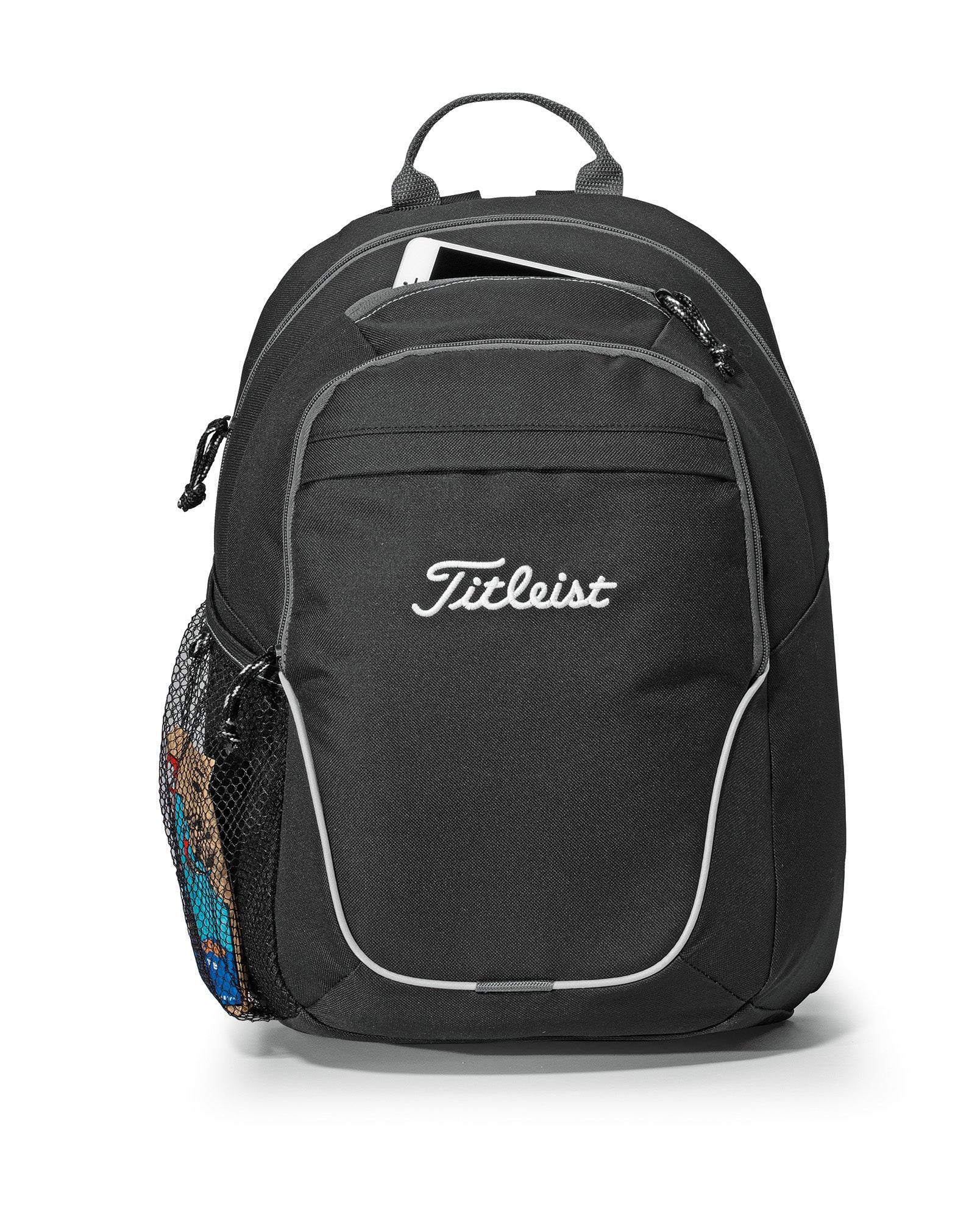
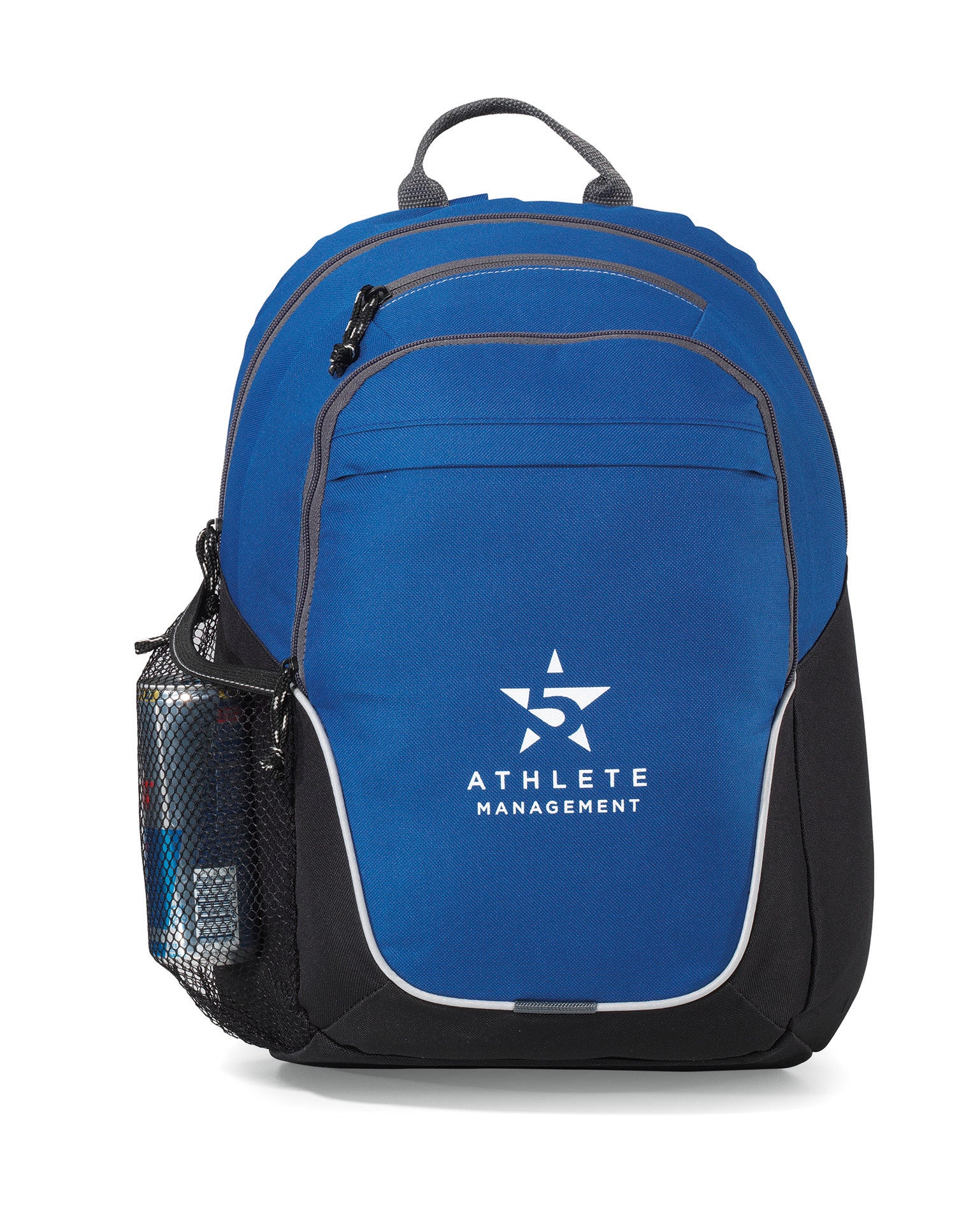
Gemline styles are made to display a logo, brand name or marketing message. Before approving artwork, confirm the imprint area, the placement and the color count with the person doing the decoration, and sample one backpack first so everyone sees how the mark looks in each color you plan to order.
Where the Mission Backpack Fits Best
Setting
Why It Works
School and student programs
A backpack every student receives the same way, with room for a school mark
Employee welcome kits
A useful backpack with a logo makes a lasting new hire gift
Corporate and client gifts
A recognized Gemline style gives a gift program a dependable choice
Conferences and events
Matching backpacks for a whole group carry the event mark well past the event
Team and club programs
One style across a roster keeps the group looking consistent
Company stores
A repeatable style number makes reordering for a store simple
Wholesale and Program Buying
Joe's USA supports program buyers, schools, teams and companies that need the same backpack for a whole group. Several colors let a program split by department or team while keeping one style. To build a full set from one place, you can browse the Gemline collection and the Gemline Backpacks page.
Buyer and Reorder Workflow
Start by confirming the details work for your group, then lock the artwork and sample a single backpack. Keep style number 5310 and your chosen colors in your program notes so a later reorder asks for exactly the same backpack, because Gemline lists many backpacks. Once the sample is approved, the same style can be reordered for the next school year, hiring class or event without repeating the selection work.
Decoration Planning Checklist
Confirm the imprint area and placement for style 5310 with your decorator before artwork is final.
Decide how many colors the logo uses and compare that with what Gemline lists for this style.
Ask for a single sample backpack and look at the mark in normal light and indoors.
Choose the colors for each department or team before you finalize the program, and record them with the style number.
Keep the approved artwork file and the style number together so the next order starts from the same details.
Questions to Settle Before You Order
Programs run more smoothly when a few questions are answered early. Who will receive the backpack and how will they use it? Does the listed size suit that use? Is one logo location enough, or does the design need more room? Will the group want a single color or a mix? Answering these first keeps a program from changing styles halfway through, and it makes the sample approval faster because everyone is judging the same details.
It also helps to decide who approves the sample and who places reorders. Naming those two people before the first order means the style number, the color choice and the artwork stay consistent for as long as the program runs, whether that is one event or several school years.
Choosing Between Gemline Styles
Gemline lists many styles, and each has its own page. Compare the Mission Backpack with these before you choose, and read the details on each page rather than assuming two styles match.
What to Compare
Best For
Generous main compartment; Front zippered compartment with multi-function organizer and tablet pocket
The program that fits the details on this page
Gemline 5300 Canyon Backpack
Size, features and how it is used
Groups that want a different layout
Gemline 100066 Moto Mini Backpack
Material and finish
Programs with a material preference
Gemline 101635 Repeat Recycled rPET Backpack
Features that differ from the Mission Backpack
Buyers comparing two close styles
Gemline 102266 Ivy Recycled Cotton Laptop Backpack
Decoration area and imprint details
Office and daily use
Gemline 101042 Mobile Office Hybrid Laptop Backpack
Styling and color choices
Teams matching a palette
Gemline 101439 Harborside Backpack Cooler
Everyday use compared with this style
Logo heavy programs
Gemline 100334 Cumberland Backpack
Overall size and weight
Light everyday use
Our Recommendation
If your group matches the details above, the Mission Backpack is a straightforward choice. If you need something different, compare the Gemline 5300 Canyon Backpack and the Gemline 100066 Moto Mini Backpack. Pick the style that matches how your people will really use it, then keep that one style number across the whole program.
Alternatives and Replacement Styles
When a program asks for something different, look at the Gemline 5300 Canyon Backpack, the Gemline 100066 Moto Mini Backpack, the Gemline 101635 Repeat Recycled rPET Backpack, the Gemline 102266 Ivy Recycled Cotton Laptop Backpack. Each of these is its own listing, so check the details on its page before you swap it in for the Mission Backpack.
Frequently Asked Questions
What colors does the Gemline 5310 Mission Backpack come in?
Gemline lists Black and Royal Blue for this style.
What are the dimensions of the Mission Backpack?
Gemline lists the size as Tablet pocket sized for up to a 10-inch tablet with a case. Compare those numbers with what your program needs.
How much does the Mission Backpack weigh?
Gemline lists the weight as 0.87 lb.
What is the Mission Backpack made of?
Gemline describes the material as 600D polyester. Gemline does not list other materials in the style data we use.
What are the main features of the Mission Backpack?
Generous main compartment. Front zippered compartment with multi-function organizer and tablet pocket. Front pocket with rain flap. Top zippered pocket ideal for storing a smartphone.
Can a logo be added to the Mission Backpack?
Gemline styles are made to display a logo, brand name or marketing message. Confirm artwork size, placement and color count with your decorator before you commit to a program.
Does the Mission Backpack mention a laptop or tablet?
Gemline mentions a tablet in its description of this style. Check the listed size against your own device before you order.
Is the Mission Backpack good for school or company programs?
Yes, it works well for programs that need the same backpack across a group. Pick one style number, sample one backpack and keep the style number in your notes for reorders.
Who makes the Gemline 5310 Mission Backpack?
It is a Gemline style, number 5310. Joe's USA carries it for program buyers, schools, teams and companies.
Can a group mix colors of the Mission Backpack?
Yes. Gemline lists Black and Royal Blue for this style, so a program can split colors by team or department while keeping one style number.
How do I choose between the Mission Backpack and other Gemline styles?
Compare size, features, material and the decoration detail on each page, then sample one backpack before you commit. The comparison table on this page links to similar Gemline styles.
What should I confirm with my decorator before ordering?
Confirm the imprint area, the placement, the number of logo colors and the artwork file format for style 5310 so the sample matches what you expect.
Shop More Gemline Styles
Gemline 5300 Canyon Backpack | Gemline 100066 Moto Mini Backpack | Gemline 101635 Repeat Recycled rPET Backpack | Gemline 102266 Ivy Recycled Cotton Laptop Backpack | Gemline 101042 Mobile Office Hybrid Laptop Backpack | Gemline 101439 Harborside Backpack Cooler | Gemline 100334 Cumberland Backpack
Related Collections
Browse Collections: Gemline | Gemline Backpacks
Product specifications
| Brand | Gemline |
|---|---|
| Weight | 0.87 lb |
| Color | Black and Royal Blue |
| Compatibility stated by source | Fits Best; fits the details on this page |
| Materials described by source | polyester |
| Materials | polyester |
| Colors | Black, Royal Blue |
Choosing, using and caring for your product
Compare capacity, dimensions, carrying style and compartment details. Choose a bag for your actual kit and check what accessories are included.
Read the instructions supplied with your item before first use. Check the components and fitting requirements, and follow the care guidance for the listed materials. Keep the product instructions for future reference.
If a specification is not listed or you need help with a particular application, contact our team before ordering.
Ask us a question ↗Delivery & FAQs
Where do you deliver?
We deliver within the United States. Standard U.S. shipping is free, with no minimum order amount.
When should I expect my order?
Order processing takes 1–3 business days. Estimated total delivery is 5–8 business days from order placement, including processing and carrier transit. See our Shipping Policy for delivery details and how to contact us about an order.
Can I return an item?
You can request a return within 30 days after delivery. Contact us before returning an item so we can provide the correct instructions. Approved refunds are expected to reach the original payment account within 2–4 business days after approval and issuance. See the Return & Refund Policy for the full conditions.
How do I choose the right option?
Check the product photographs, dimensions, materials and available options. Choose your color, size or specification before adding the item to your cart. If you are unsure, ask our team before ordering.
How can I contact you?
Use the email address or telephone listed in our footer and on the Contact Us page. Include the product name or order number when you need help.
Related products
-
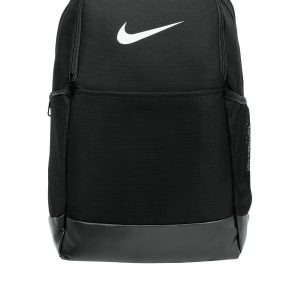
Nike NKDH7709 Brasilia Medium Backpack
$41.93 Select options This product has multiple variants. The options may be chosen on the product page -
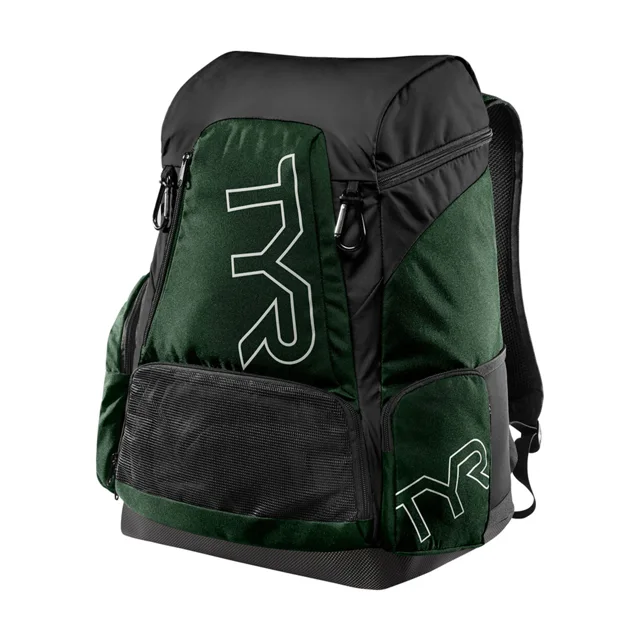
Spirit Team Alliance 45L Backpack – Evergreen
$69.00 Select options This product has multiple variants. The options may be chosen on the product page -
Selkirk – Core Line – Day Bag – Pickleball Backpack
$50.00 Select options This product has multiple variants. The options may be chosen on the product page -
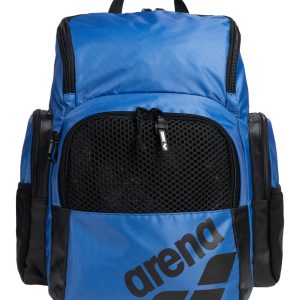
Arena One Go 35L Backpack
$64.00 Select options This product has multiple variants. The options may be chosen on the product page